Code Snippet - Tool_Script - The CleanAndRebuild Tool
A downloadable project for Windows
The CleanAndRebuild Tool: Eliminating C++ Build Friction
The Challenge: I was constantly hitting frustrating blockers during C++ development in Unreal Engine 5. Every code modification seemed to trigger nonsensical errors in the console, the Editor would crash or simply refuse to open, and I spent far too much time manually deleting folders to force a clean start.
(Maybe I'm missing something in my process... perhaps in more structured studios, these issues don't occur, and I hope to find out!) Regardless, I knew there had to be a way to automate this essential, painful process and minimize my downtime.
My Solution: An Essential C++ Workflow Fix
I developed this simple but powerful BAT script to bring stability and consistency to my C++ workflow. Born out of necessity during my last Game Jam, it has become an indispensable part of every C++ project I touch.
The tool provides an autonomous solution to resolve nearly all cryptic build errors and file locking issues:
- Robust Path Handling: The script features a simple confirmation and verification loop, allowing it to correctly identify the project folder and engine path after minimal initial setup.
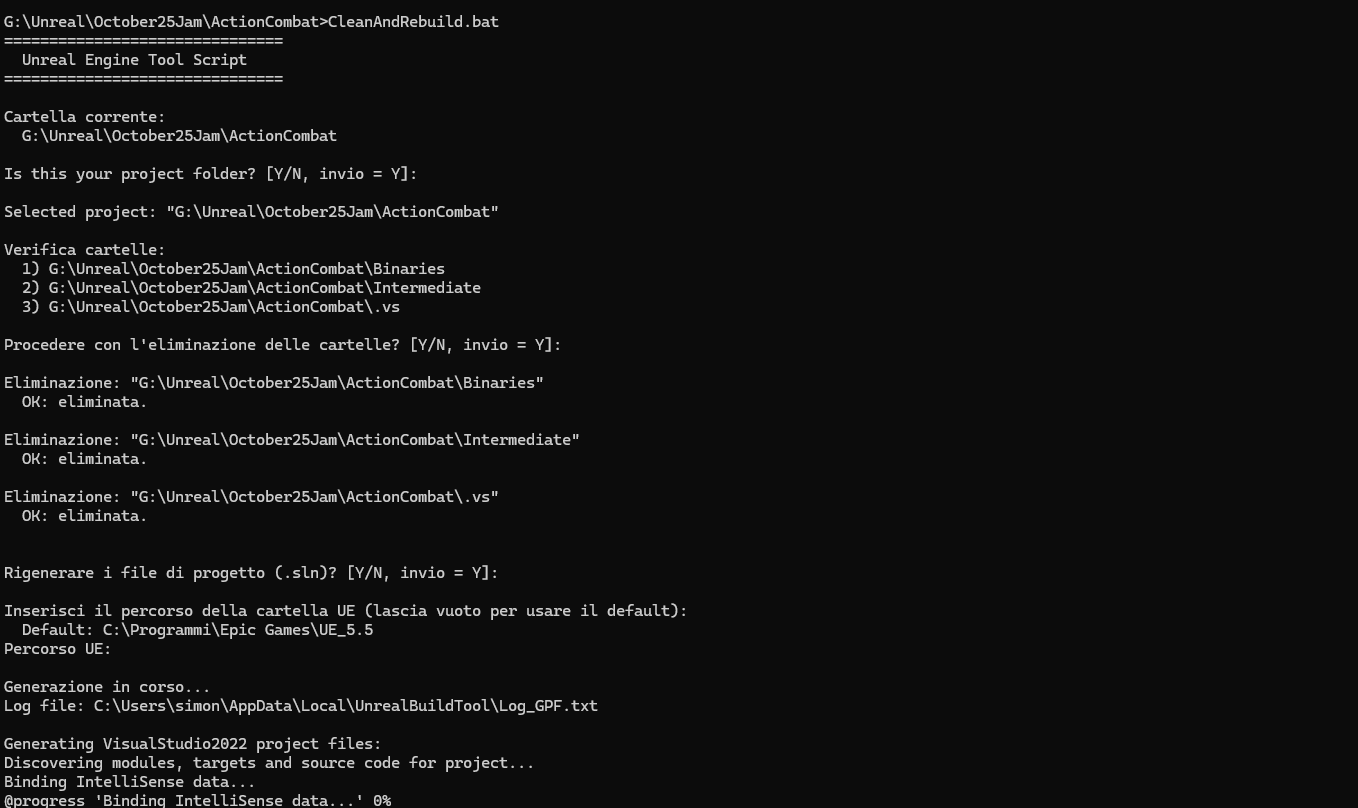
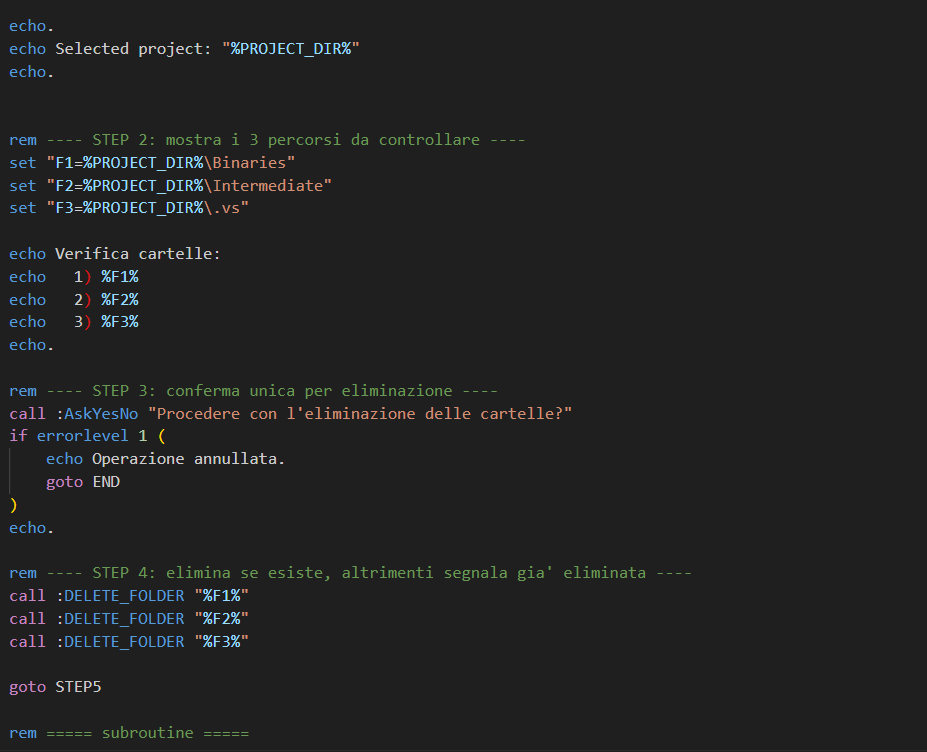
- Deep Cleanup: It executes a targeted deletion of the most critical build artifacts: the Binaries, Intermediate, and .vs folders, eliminating stale references and corrupted cache files.
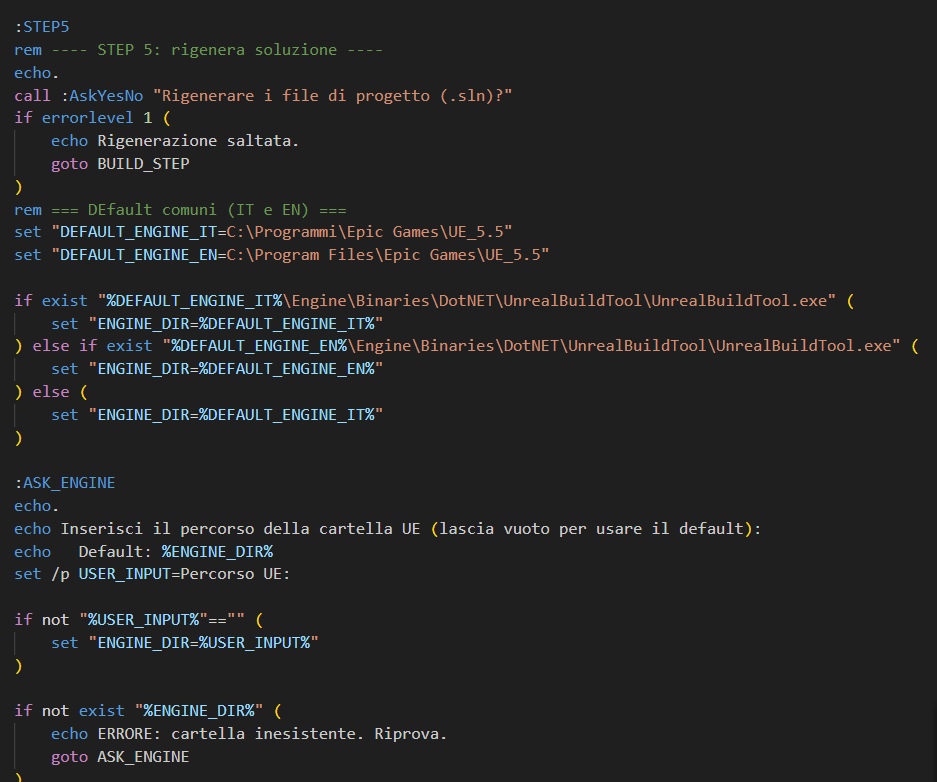
- Restoration & Rebuild: It then uses the appropriate engine command to regenerate the Visual Studio solution file (
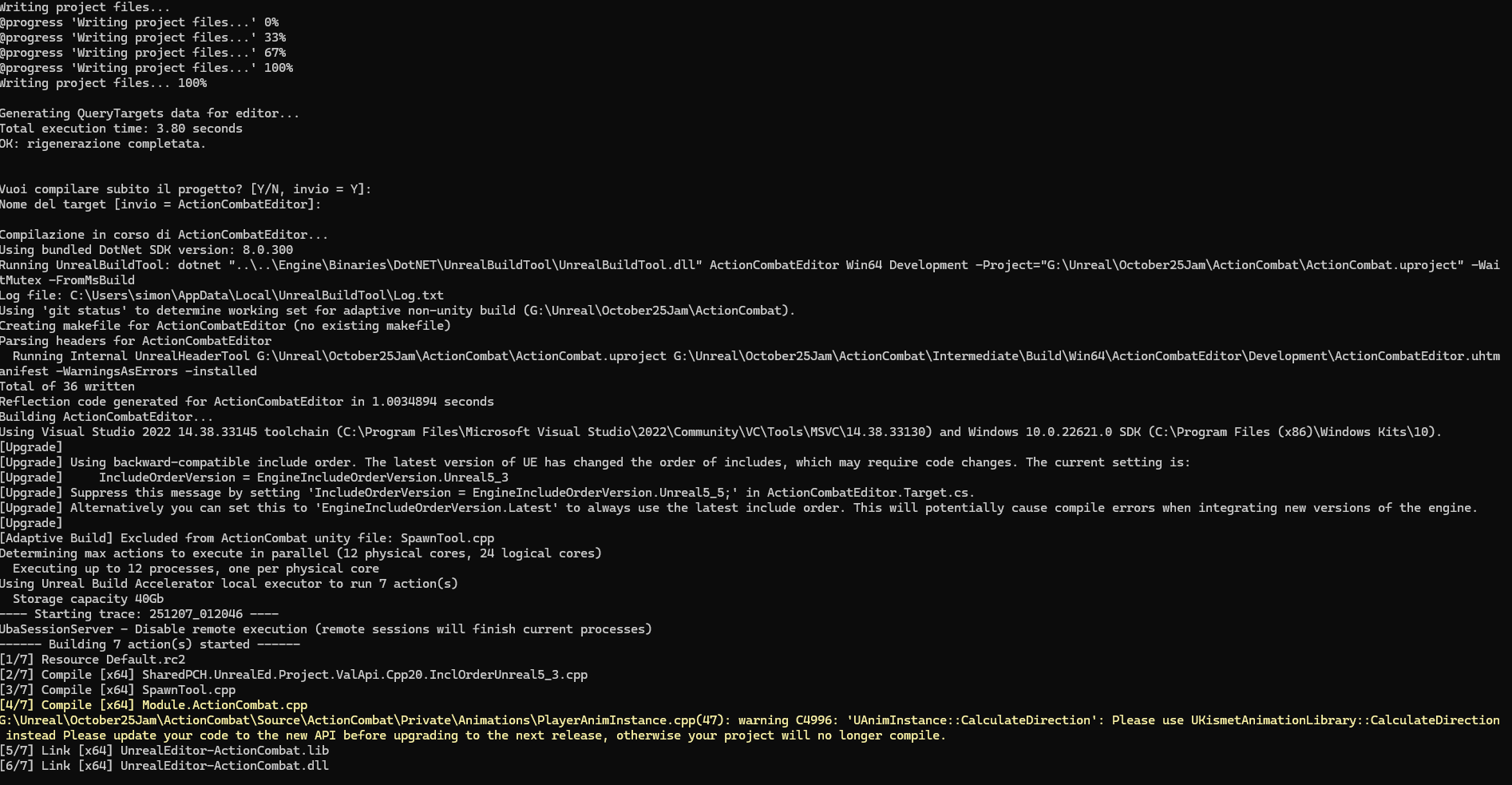
.sln) and finally initiates a clean Rebuild of the entire project.
Once set up, the script essentially runs itself, automating the cleanup process that used to halt my development. This tool is a core example of my commitment to improving Developer Experience (DX) and maintaining a stable C++ pipeline.
Download
Install instructions
Download it and i suggesto to open with any text editor in order to see what's appen! (it's always a bat file, you should never trust!)
Then position it next to the uproject, in the root folder, and in the editor change some default settings for example at row 89-90 92-94 or 115-116
that should be ok... then open the cmd and start the file from the cli and follow the instruction in italian =D
if you set the default values correctly you can just spam Enter everytimes he ask you if the path is correct.
Leave a comment
Log in with itch.io to leave a comment.